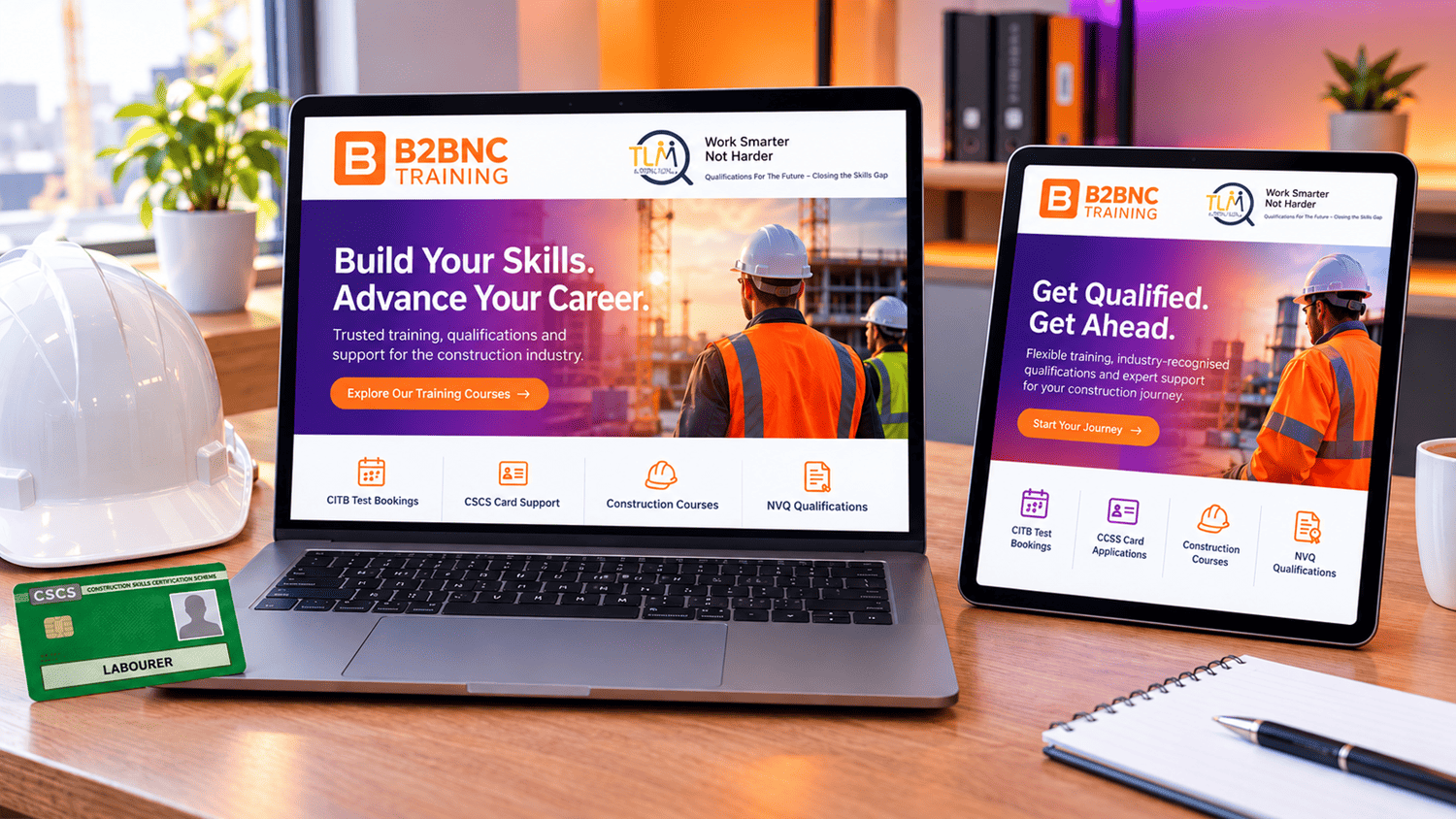
Getting your Green CSCS Card starts with passing your Level 1 Award in Health and Safety within a Construction Environment. For many tradespeople and site workers, taking the course and exam online is the fastest route onto site. Best of all, unlike many restrictive online tests that demand a desktop computer, our exam can be completed on your tablet as well as a Windows PC or laptop—giving you ultimate flexibility.
If you are preparing to take your online invigilated exam, knowing what to expect can completely remove the stress. To help you pass on your first attempt, here is a complete walkthrough of the remote home-invigilated exam process.
Ready to get started right away? Skip the wait and enroll in our TLM-approved Level 1 eLearning course today.
1. Exam Overview and Timing
Before starting your online test, it helps to know how the session is structured:
-
Total Exam Time: 1 hour to complete your multiple-choice questions.
-
ID Check & Room Sweep: 1 minute allocated right at the start.
-
Overall Session Duration: 1 hour and 1 minute total.
2. Before You Begin: Setup and Permissions
Before launching the test, ensure your environment and browser are properly configured:
-
Environment: Choose a quiet, well-lit, and distraction-free room.
-
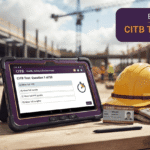
Device Flexibility: You can take the exam on a Windows PC/laptop or a tablet using its built-in camera. (Note: Mobile phones are not permitted).
-
Camera Permissions: Your browser will prompt you to allow access to your webcam and microphone. Click “Allow” or “Accept”. Make sure no other apps are using your camera, and check your browser settings if the prompt doesn’t appear.
3. The 60-Second Start Sequence
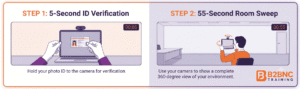
When you click “Start,” the automated remote proctoring sequence begins immediately:
-
ID Verification (First 5 seconds): You must hold your photo ID card up to your camera for 5 seconds so your identity can be verified.
-
360-Degree Room Sweep (Remaining 55 seconds): You are required to perform a quick 360-degree sweep of your room (using either your laptop or tablet camera), showing your entire space, desk, and surrounding area to ensure exam integrity.
4. Rules During the Exam
Once the room sweep is complete, your 1-hour exam timer starts. Keep these strict proctoring rules in mind:
-
Full-Screen Mode: Your screen will automatically switch to full-screen mode when the exam begins.
-
Window Restrictions: You are strictly prohibited from opening any other windows, tabs, or external applications during the session.
-
Mouse/Cursor Boundary Tracking: You must keep your cursor within the boundary border of the exam screen. If your cursor moves outside this area, a warning will appear. Receiving more than four warnings will result in your exam session closing automatically and disqualification.
-
Submitting Your Exam: If you finish early, click “Finish now” to submit your answers. Otherwise, the exam will automatically end and submit once the 1-hour limit is reached.
5. Result and Certificate (Same-Day Turnaround)
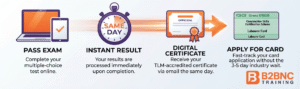
While many training providers and awarding bodies make candidates wait 3 to 5 working days for certification, our streamlined process means your exam, result, and certificate can all be issued on the same day. This fast-track turnaround immediately unblocks your CITB test booking and accelerates your Green CSCS Card application so you can get on site without delay.
Frequently Asked Questions (FAQs)
1. Can I really take this exam on a tablet?
Yes! Unlike many online tests that restrict you to desktop computers only, our TLM-approved Level 1 exam is fully compatible with tablets, giving you the freedom to test using the device that suits you best.
2. What happens if my camera doesn’t activate before the exam?
Check your browser permissions to ensure camera and microphone access is allowed. Make sure no other video apps (like Zoom or Teams) are running in the background, refresh your browser, or try an alternative supported browser.
3. How long do I have to complete the room sweep?
You have 55 seconds immediately following your 5-second ID check to complete a 360-degree sweep of your room and desk area using your camera.
4. What happens if my mouse moves outside the screen boundary?
The proctoring system tracks your cursor. If it crosses the boundary border, you will receive a warning. Be careful not to click outside the active exam window—accumulating more than four warnings will lead to your session being closed.
5. When do I get my certificate after passing?
Once you successfully complete and submit your exam, your certificate is generated same day so you can move forward with booking your CITB test and applying for your Green CSCS Card.
6. Can I complete the level 1 Labourer course on mobile phone?
While we generally recommend using a tablet, laptop, or PC for the best viewing experience, you can complete both the modules and the exam on your mobile phone if needed. If you choose to use your phone, you must ensure it is set to “Do Not Disturb” mode for the entire 1-hour exam duration. Incoming calls or notifications can interrupt your screen view or break proctoring boundaries, so eliminating all distractions and interruptions is essential to avoid disqualification.
Ready to Get Certified?
Studying through an officially approved TLM Training Provider ensures your qualification is fully recognized, compliant, and backed by expert support. Whether you need the standalone eLearning course, a Course & Test Combo, or our full Green Card Package, we are here to help you get on site fast.
-
Call Us: 02046 340001
-
Email Us: support@b2bnctraining.co.uk